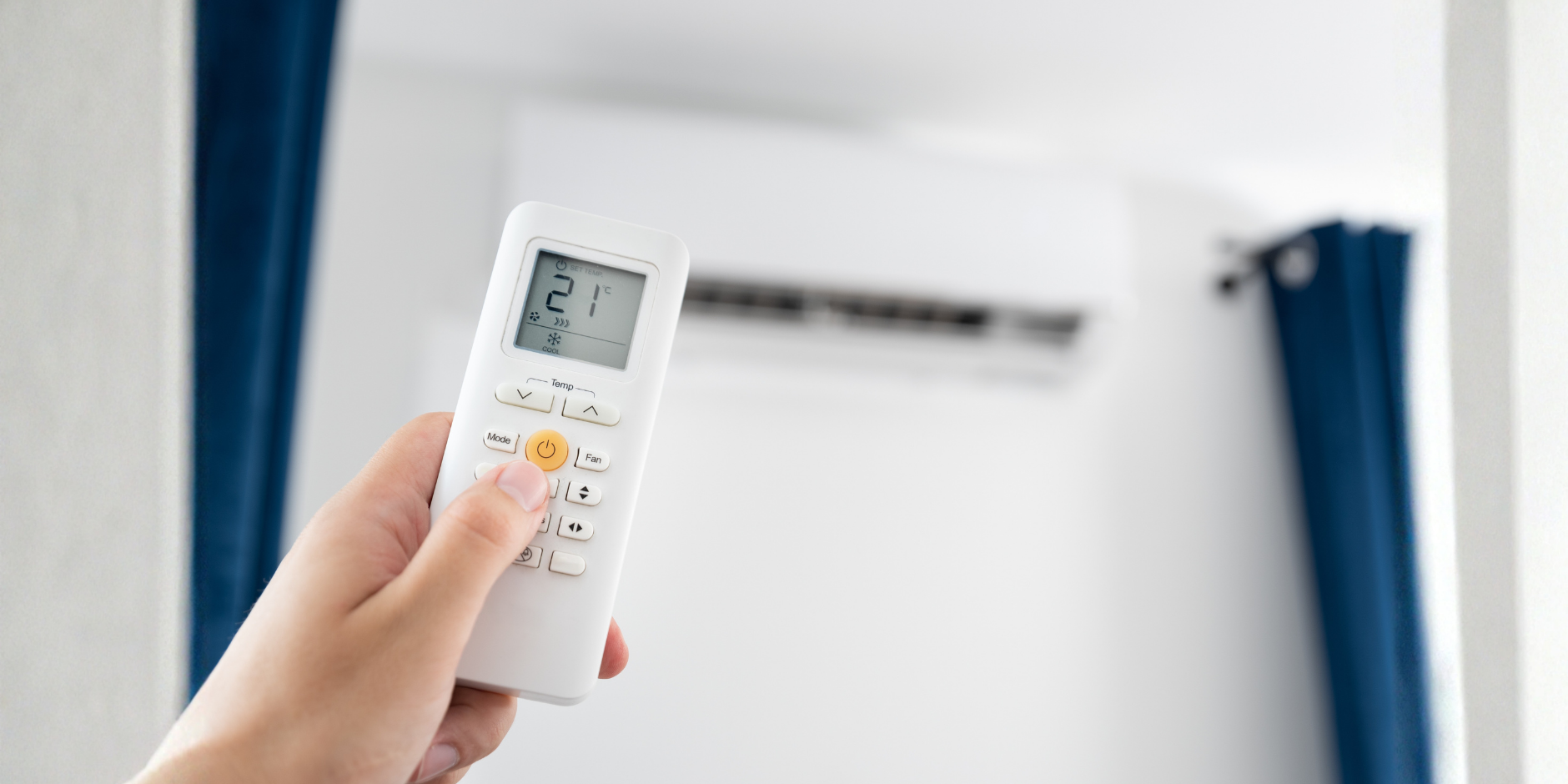
Most of us press the same button all year. But the symbols on your remote or wall controller each do something different, and picking the right one can make your home more comfortable and your system cheaper to run.
Here’s what each mode does, followed by when to use it in a Perth home. Exact names and features vary between brands and between ducted and split systems, so check your manual if something on your remote isn’t covered here.
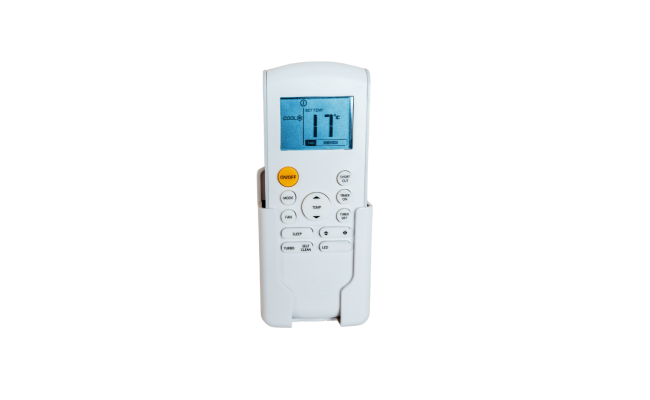
Decoding the symbols
- Snowflake: Cool. Actively cools the room to your chosen temperature.
- Sun: Heat. Reverse-cycle systems draw heat from outdoor air and move it inside.
- Water drop: Dry. Reduces humidity, with only gentle cooling.
- Fan blades: Fan. Only moves air around. The compressor stays off.
- Arrows or “A”: Auto. The system chooses between cooling, heating and fan to hold your set temperature.
Extras such as Eco, Sleep and Turbo adjust how one of the modes above behaves, and not every system has them.
The core modes in plain English
Cool is the workhorse for summer. It removes heat and moisture from indoor air and releases them outside. Setting it lower doesn’t make it cool faster, so keep to a sensible target. The WA Government suggests no lower than 24°C.
Heat works in the opposite direction. Because it moves heat rather than creating it, it’s generally far cheaper to run than a bar heater. For most people, 18 to 20°C is comfortable. On cold mornings, don’t be alarmed by a little steam or frosting on the outdoor unit, as it’s usually just a defrost cycle.
Dry runs the system more gently, so it takes moisture out of the air without chilling the room much. It usually uses less energy than cool mode, but more than fan-only. Perth’s air is often quite dry, so it won’t do much on a typical summer day, but it can help on muggy ones.
Fan circulates air without heating or cooling it. Because the compressor isn’t running, it’s very cheap to run, and handy when a breeze is all you need.
Auto lets the system decide. On a reverse-cycle system, it can switch between cooling and heating as conditions change. It’s convenient, though fan speeds may vary more, so it can be noisier than a fixed setting.
The “extras” worth knowing
- Eco moderates the system’s output to save power, and the exact behaviour varies by brand. It’s a good default on mild days.
- Sleep gradually adjusts the temperature overnight so you’re comfortable without the system working as hard. How it does this depends on your model.
- Turbo (sometimes “powerful”) pushes the system harder for a short burst. It’s for a quick boost when you walk into a hot room, and not something to run all day.
Which mode, and when?
| Situation | Try this |
|---|---|
| Hot afternoon | Cool, around 24 to 25°C, started before the heat peaks |
| Walking into a very hot room | Turbo briefly, then back to normal |
| Muggy evening or after a storm | Dry |
| Mild spring or autumn day | Fan, Eco or Auto |
| Cold winter morning | Heat, 18 to 20°C, with a timer set to start before you wake |
| Overnight | Sleep or a timer |
| Not sure | Auto |
Common mix-ups
- “Fan mode will cool the room.” It won’t change the temperature. It just moves air.
- “Dry mode makes it cooler.” It may feel slightly cooler, but its job is humidity.
- “Turbo is a good everyday setting.” It’s designed for short bursts, not for continuous use.
- “I should keep switching modes through the day.” You don’t need to. Pick a suitable mode, set a sensible temperature and let the system do the work.
A note on ducted systems
Ducted systems are often controlled by a wall panel or app, and their options can differ from a split system’s remote. Some have fewer modes, and zone controls are a separate layer on top. If you’re not sure what a symbol on your controller means, we’re happy to walk you through it.
Not sure your settings suit your home?
If your air conditioner seems to be working hard without giving you the comfort you expect, the issue might be the system, its setup, or just a setting.
Our Perth team can take a look and show you how to get the best out of it.